How most drinks brands manage POS nomination today
POS (point of sale) nomination is a fundamental part of on-trade brand marketing — getting the right physical and digital brand assets into the right venues at the right time. But for most FMCG and drinks brands, the process of nominating venues and managing POS distribution is still almost entirely manual.
Here’s what it typically looks like:
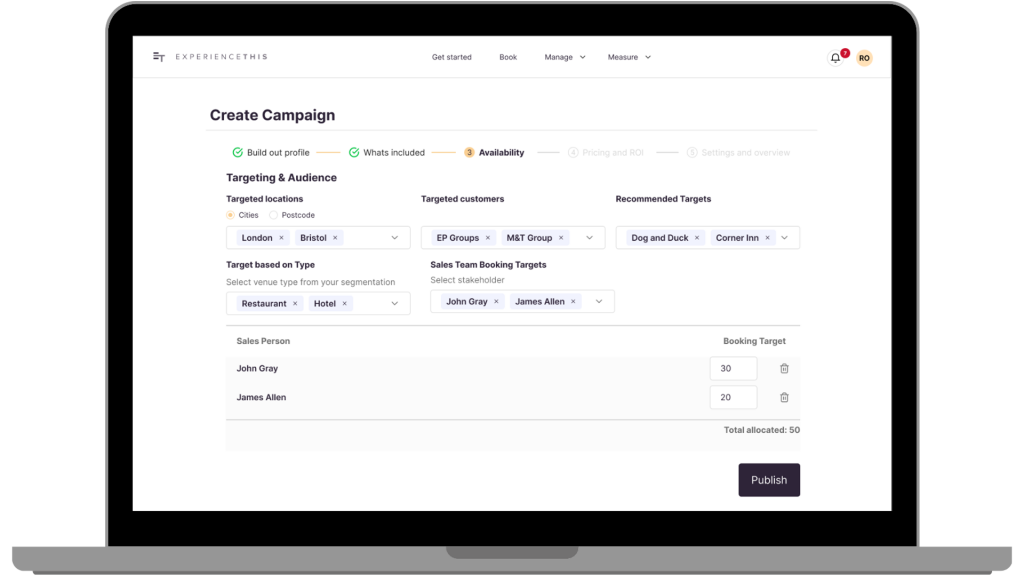
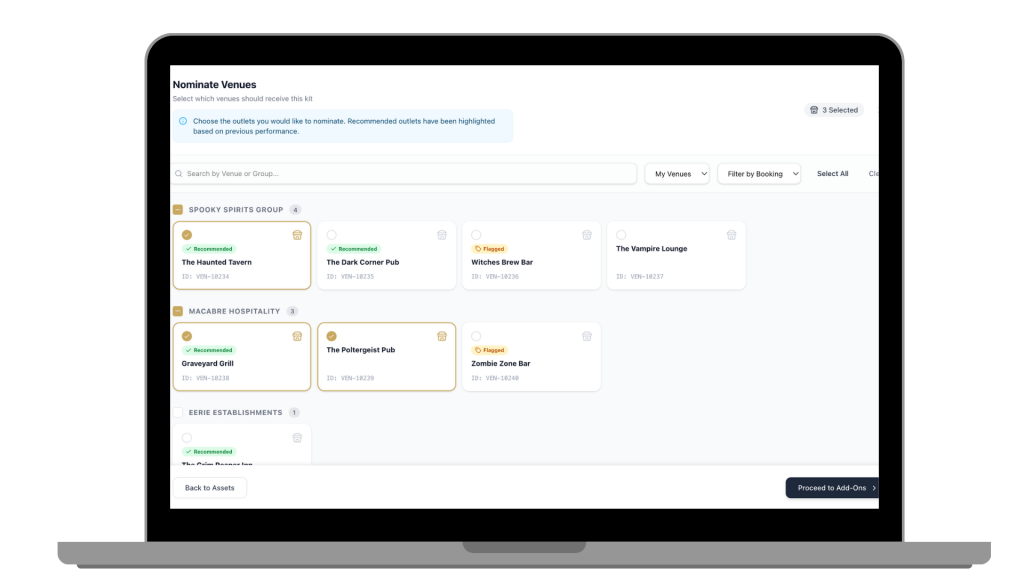
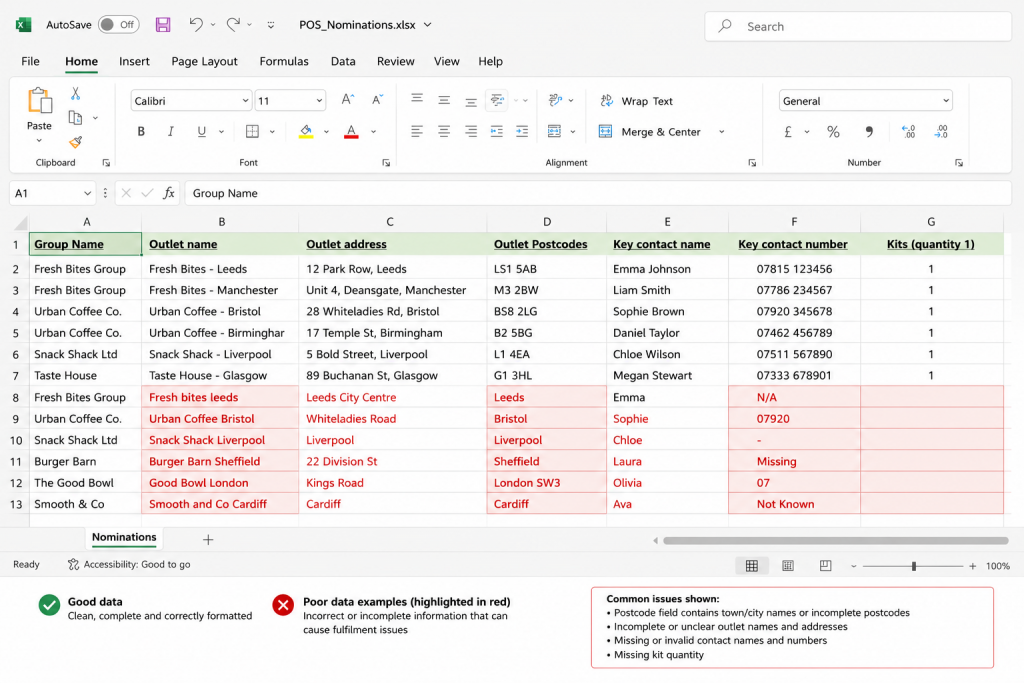
The nomination spreadsheet Reps fill out a nomination spreadsheet — manually copying in venue details like name, address and client number, along with what they want to order. It’s a painstaking process. As a result, most reps take shortcuts: copying last year’s list, applying a simple filter to their call file, or nominating the same outlets they always nominate — without considering who actually wants POS, what they need, whether they activated last time, or whether it even performed well when they did.
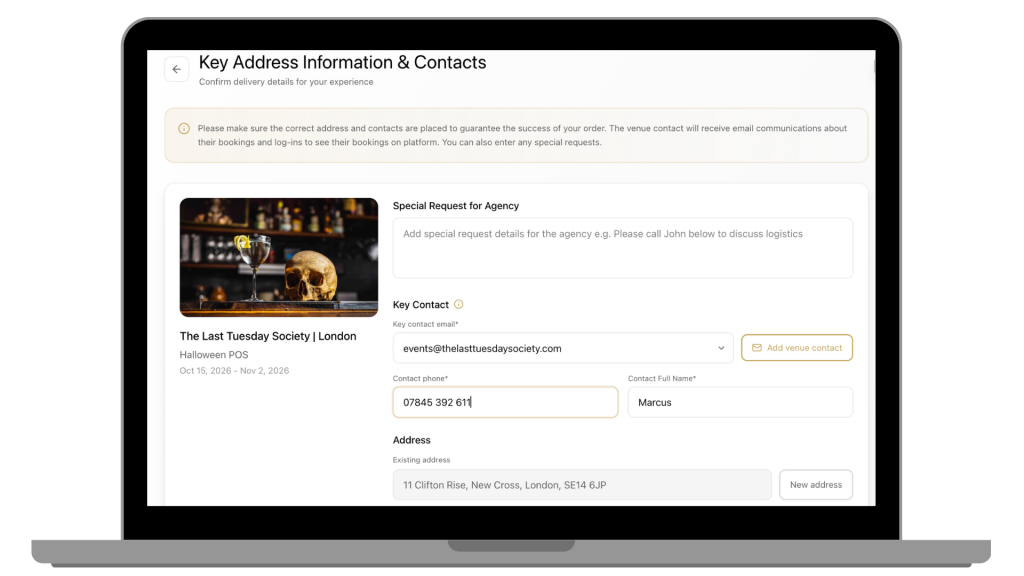
Nomination spreadsheets are also notorious for poor data — misspelled venue names, outdated addresses, incorrect postcodes in the wrong format, missing contact details — all of which create problems downstream when the agency tries to fulfil the order.
Collation and ordering Customer marketing teams then manually collate all the individual nomination spreadsheets and consolidate them into order forms to send to the fulfilment agency. This is a significant admin task — especially across large field sales teams — and errors are common.
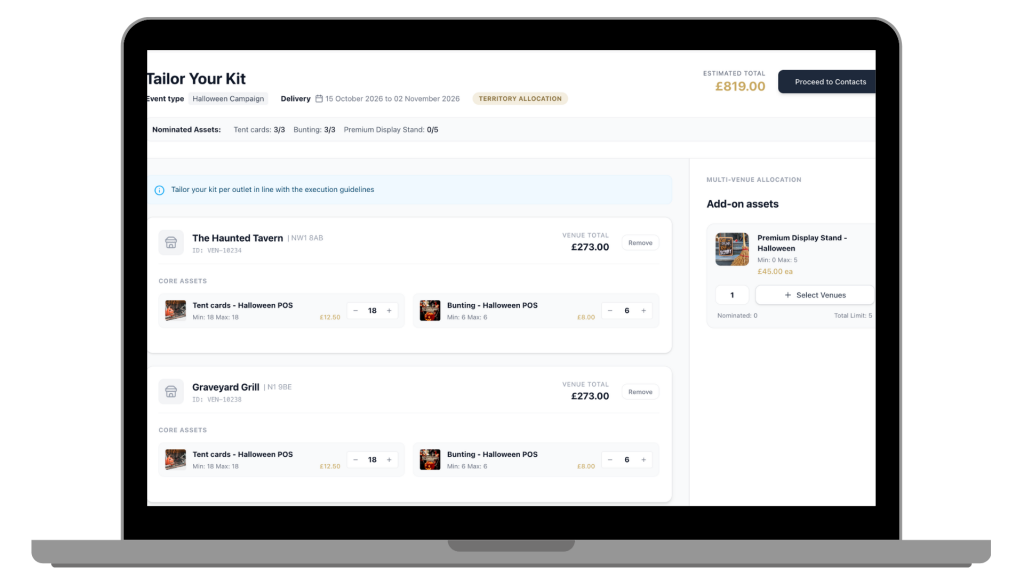
Fixed kits To simplify the process, most brands use fixed POS kits — everyone gets the same thing. The result is POS that’s either too much or too little for the outlet, or inappropriate for the space. A large pub gets the same kit as a small bar. High-performing venues get the same allocation as venues that didn’t activate last time.
Missing digital assets Digital assets — screen content, instruction videos, social materials — tend to be handled separately, via email or shared drives. They rarely make it to the right people at the right time, and are frequently missed entirely.
No feedback loop When a kit gets turned away or goes unused, that information rarely makes it back to the system. Next year, the same venue gets nominated again. The same mistakes get repeated because the data was never captured or centralised.